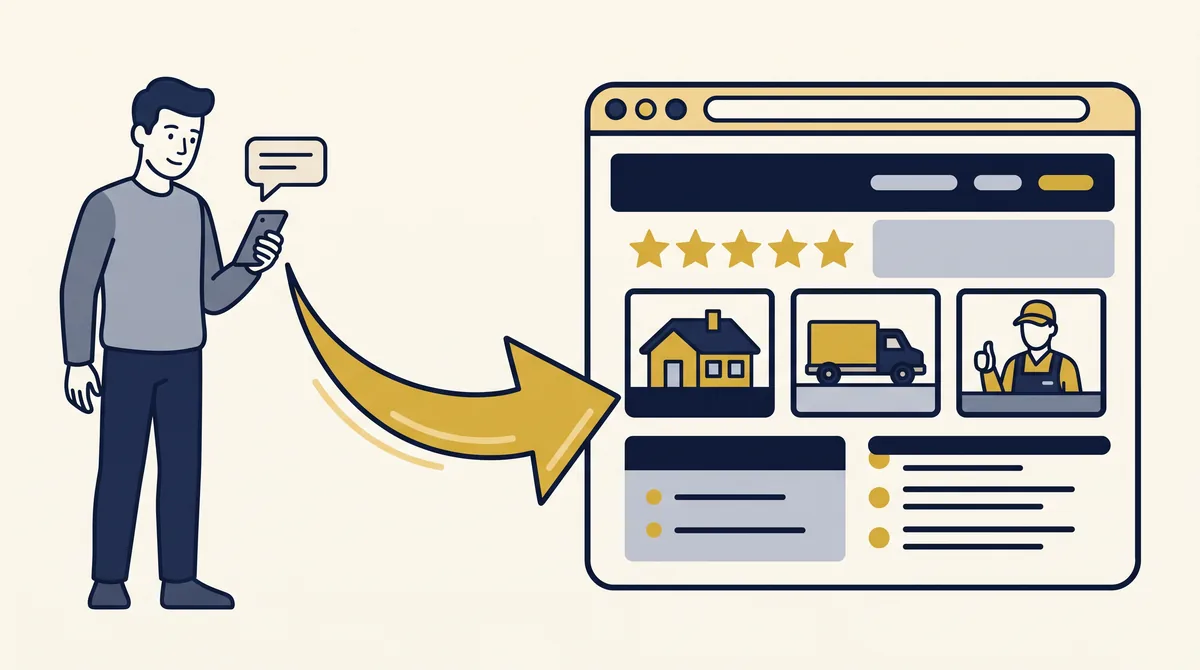
An effective website helps potential customers understand what you offer, evaluate your business, and take the next step. Clear writing, real examples, and an easy experience all contribute. What success looks like depends on the job your website needs to do.
I see this from both sides: as someone who builds websites and as a customer deciding who to hire.
Give customers a reason to continue
I get cold text messages from businesses offering services around Winston-Salem. Tree work. Rug cleaning. Similar offers from other service businesses.
Someone is working in my area and wants to know if I am interested. My question is usually simple: Do you have a website where I can see your work?
In the conversations I am talking about, they could not give me one. Sometimes the original message did not even include a company name.
They might do excellent work. But who am I hiring? What do their results look like? Can I find reviews?
Their message got my attention. I needed something to help me decide whether to continue.
A website could bring that information together: a clear business identity, actual projects, customer reviews, and service details. Before-and-after photos could help me judge whether their work matches what I need.
That does not guarantee a sale. It gives the customer something to evaluate.
The same principle applies across small businesses. A speaker can show event footage and testimonials. A photographer can show a portfolio. A shop can explain its products and ordering process.
Make the details match your work
I have looked at businesses whose websites do not do the quality of their work justice.
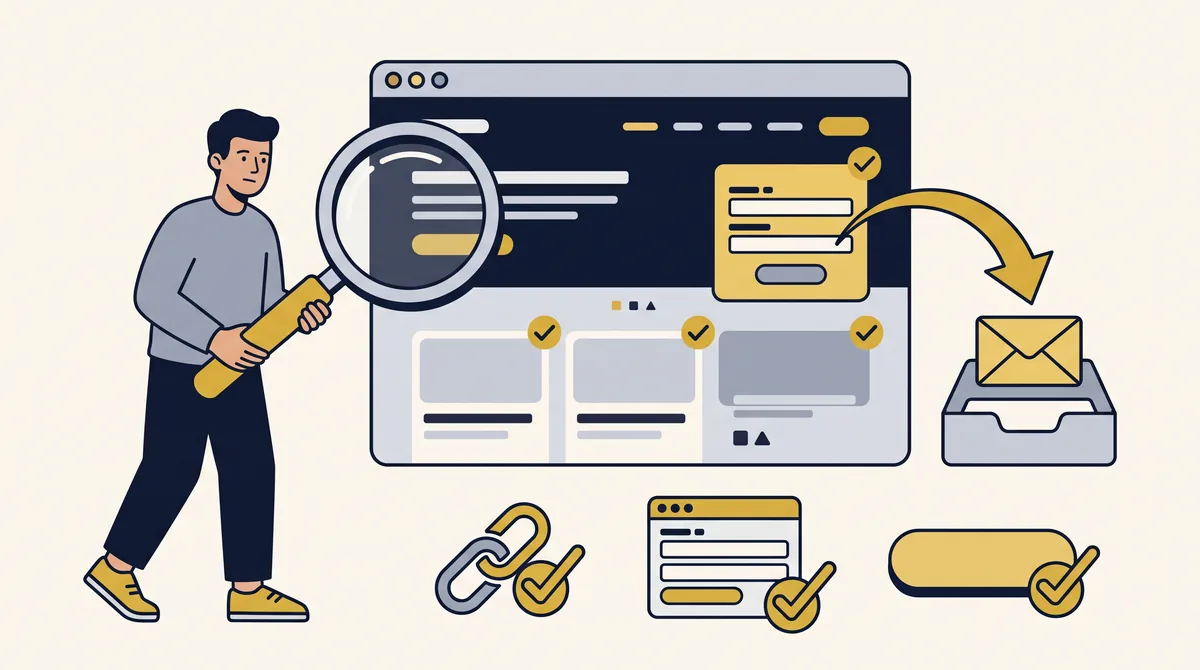
I have seen footer links that go nowhere, terms pages with missing business information, and policy pages that feel like untouched templates.
Those details make me hesitate. What else was overlooked?
That is my reaction as a customer, not proof that the business does poor work. But if your work is careful and professional, your website should reflect that care.
When I review a client’s site, I check that links lead where they should, forms work as intended, and the information customers need is available. A form needs to deliver the inquiry to the right place. A button needs to perform the action it promises.
Those are part of finishing the job.
Give answers instead of filler
You can read an entire page about a company’s commitment to excellence and still have no idea what it offers or why you should choose it.
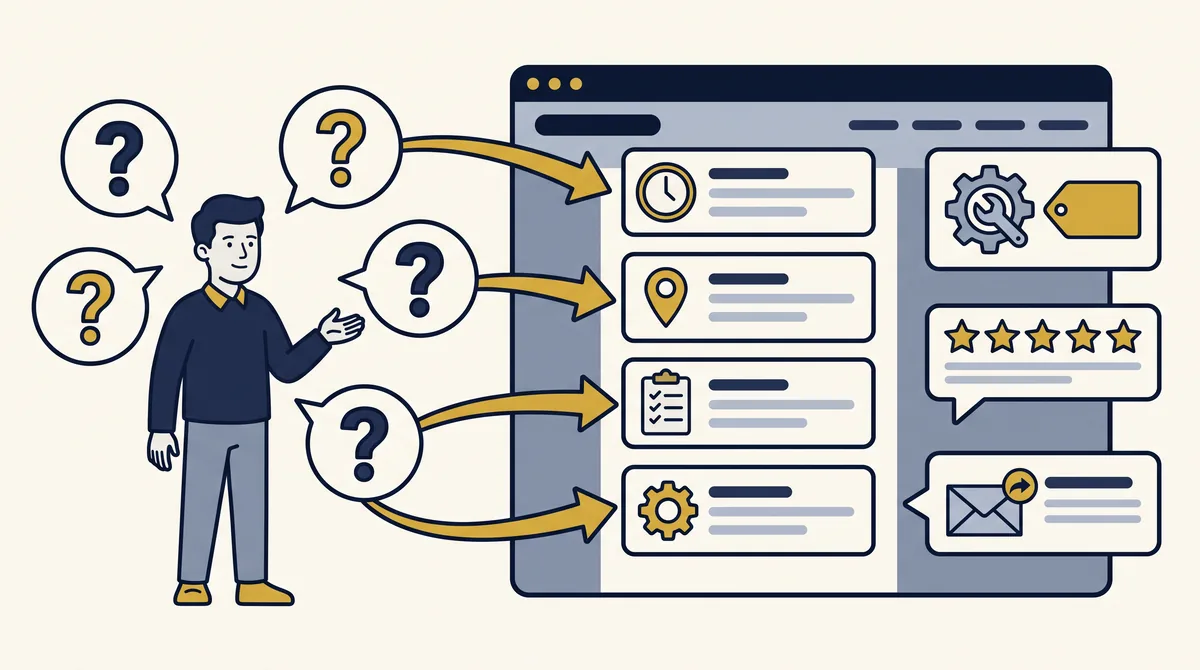
Useful website copy answers real questions:
- What do you offer, and who is it for?
- What makes your approach worth considering?
- What evidence supports your claims?
- What happens after someone contacts you?
AI-generated writing needs review like any other draft. Check the facts, remove empty claims, and make sure the language sounds like the business.
Less can be more when the remaining words do their job. Real photos can carry some of the explanation, too.
Website builders and AI tools can help produce a site, but someone still has to understand the customer, make decisions, and check the result. That applies whether you build it yourself or hire someone.
Price alone will not tell you whether the work is good. Look at what is being delivered and how it serves your customers.
Make the website easy to use
Open your site on your phone and try the things a customer would do.
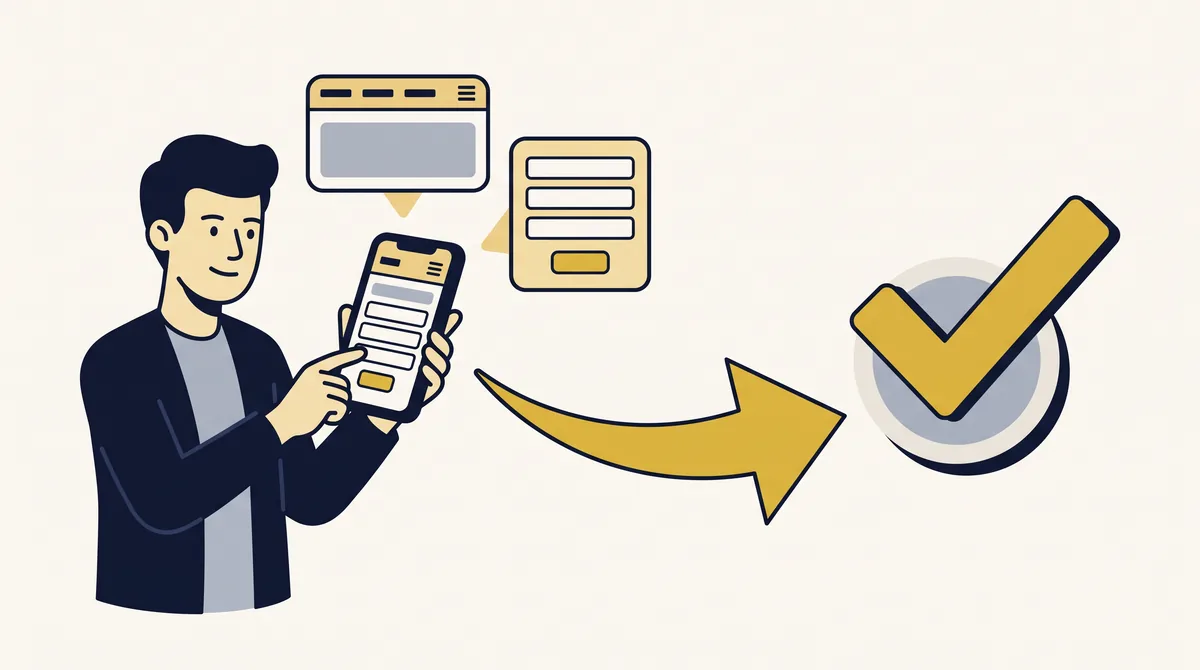
Can you read the text comfortably? Find the service you need? Use the menu and complete the contact form? Does the page load promptly, without content jumping around as you try to use it?
Google’s page experience guidance includes mobile display and page performance. Accessibility deserves attention as well: clear form labels, instructions, and useful error messages help people complete an inquiry. The W3C forms guide explains these practices.
A feature needs to be easy for customers to use as well as technically functional.
Judge effectiveness by the job it does
Decide what your website needs to accomplish. That might be inquiries, bookings, purchases, or helping referred customers evaluate your business.
Page views show how often your pages are viewed. Relevant inquiries and completed bookings tell you about actions. Both offer useful information, but the website’s contribution does not always appear as a button click or form submission.
Someone may check your site, feel more confident, and dial your number separately. They may call first and look through your photos, reviews, and service information while you talk.
In both situations, the website helps them make a decision. Asking customers whether it helped can give you context that on-site tracking misses.
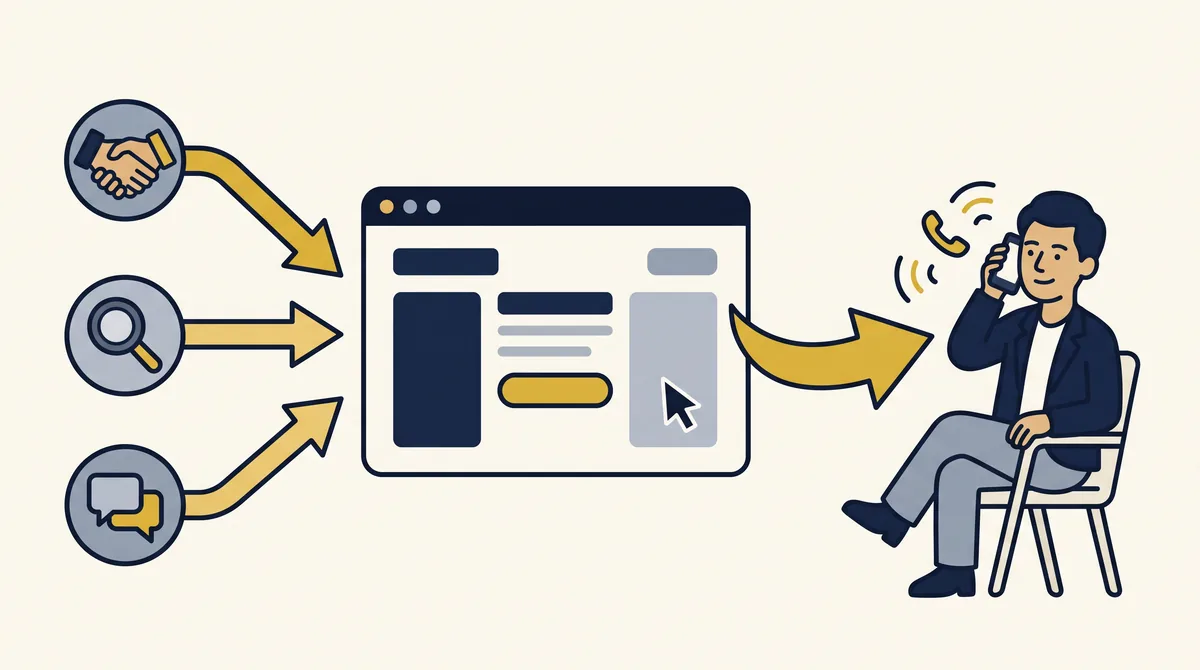
People also need a way to reach your website, whether through referrals, search, advertising, social media, or other outreach. In my text-message example, the outreach had already happened. The missing piece was somewhere to learn about the business.
Publishing a site does not automatically create demand or guarantee sales. Your response, pricing, availability, and ability to meet the customer’s needs still matter.
Build around your customers
You put effort into your business. Your website should help customers see that effort, understand its value, and move forward when the offer fits.
If that sounds like the way you want your business represented online, you are welcome to reach out to StoneBridge Solutions. We can talk about what your website needs to help your customers do.
Want your website to help customers decide?
We’ll talk through what your website needs to do for your customers and where to start.
Book a Free CallGet Website Tips in Your Inbox
Occasional practical advice for small business owners — no spam, unsubscribe anytime.